
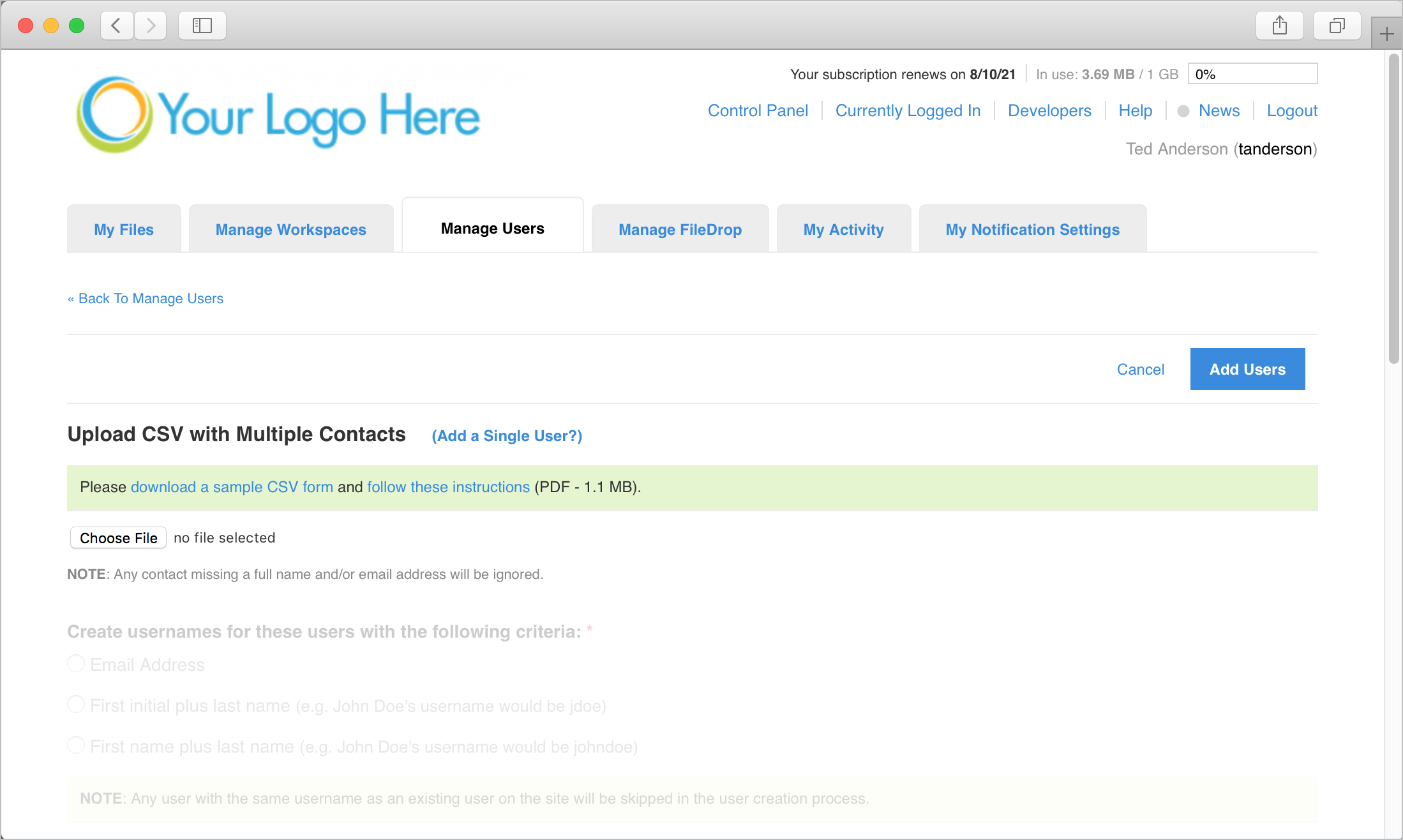
To add multiple users to the system at one time, go to the Manage User tab, click "Add Users", and then click the "Adding Multiple Users?" link. This will bring you to a screen that allows you to batch import multiple users at once.
First, click the "download a sample CSV form" link. This can be opened in Microsoft Excel (or any other spreadsheet program) and provides you the template for which you will add your user information.
Second, click the "follow these instructions" link to download a PDF of instructions to follow for filling out the CVS form, creating usernames, and the rest of the options for importing multiple users. All necessary information should be contained within the PDF.
TIP: If you are importing a large number of users, it is recommended to do a "test" import of a few users to ensure you have your options and settings the way you wish. Once you are confident you have everything set the way you like, you can proceed with importing the remaining users.
Comments
0 comments
Article is closed for comments.